How to Optimize Web Fonts for Performance
Reduce font file sizes, eliminate render-blocking, and improve loading speed. WOFF2, subsetting, preloading, and caching strategies.
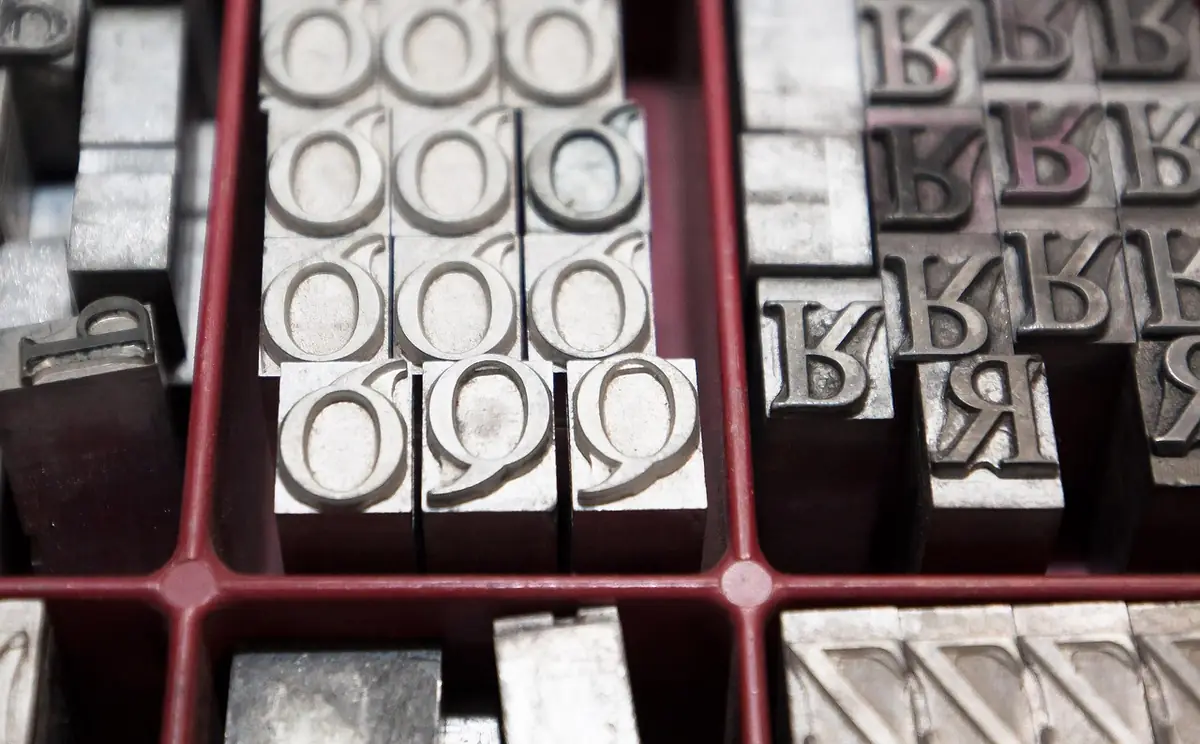
- Reduce font file sizes, eliminate render-blocking, and improve loading speed.
- Font Format Selection.
- Subsetting Techniques.
- Preloading Critical Fonts.
- Caching and Delivery.
Font Format Selection
Web fonts are often the largest render-blocking resources. A multi-weight family can exceed 500KB. Start with format: WOFF2 is the only format needed for modern browsers. It uses Brotli compression for files 30–50% smaller than WOFF. Drop TTF, EOT, SVG unless you have significant IE11 traffic. A single WOFF2 weight is typically 15–40KB versus 50–100KB for TTF. If your provider still serves older formats, switch to WOFF2-only.
Subsetting Techniques
Subsetting removes unused characters. Most fonts include Latin, Latin Extended, Cyrillic, Greek, Vietnamese — but an English site only needs Basic Latin (~200 of 2,000+ glyphs). Subsetting can reduce 90KB to 15KB. Use unicode-range in @font-face to load subsets on demand: separate Latin, Extended, and Cyrillic into different files so browsers only download what’s needed. Google Fonts does this automatically. For self-hosted, use pyftsubset. Browse fonts with the Google Fonts Explorer to check file sizes before committing.
Preloading Critical Fonts
Preload your critical font (body text regular) with <link rel="preload" href="/fonts/inter.woff2" as="font" type="font/woff2" crossorigin>. The crossorigin attribute is required even for same-origin fonts. Only preload 1–2 fonts — more competes for bandwidth. Don’t preload fonts only used below the fold. Combine preloading with font-display: swap or optional to control rendering behavior.
Caching and Delivery
Set long cache headers: Cache-Control: public, max-age=31536000, immutable. Fonts rarely change, so aggressive caching is appropriate. If you update a font, change the filename to bust cache. Serve from your own domain to avoid DNS lookup overhead from third-party CDNs. If using Google Fonts, download the WOFF2 files and self-host — eliminates two extra network connections and gives full caching control.
Frequently Asked Questions
Do I still need WOFF?
How much does subsetting save?
Is Google Fonts slow?
Use the Google Fonts Explorer — free, no signup required.
⚡ Open Google Fonts Explorer