How to Browse and Choose Google Fonts for Your Website
Google Fonts is the world's largest free font library — over 1,500 families covering every style from elegant serifs to geometric sans-serifs to handwritten scripts. The challenge isn't finding fonts, it's narrowing down the options to the right one for your project.
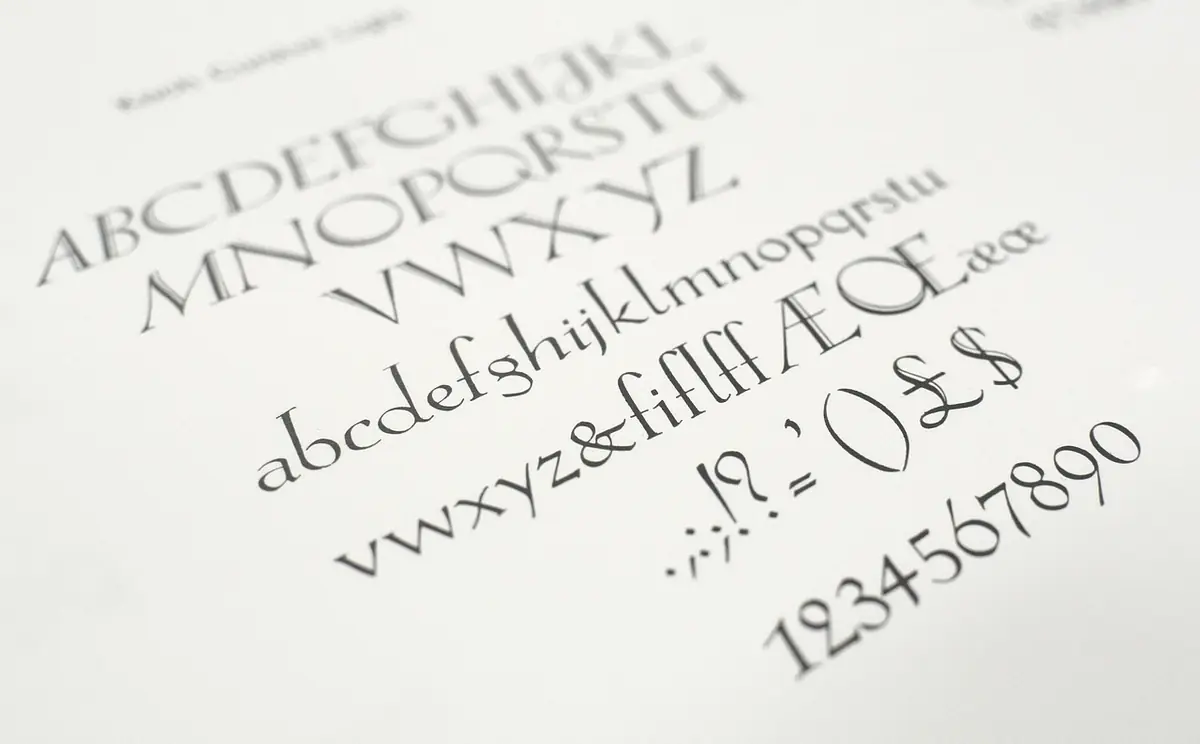
- Browse Google Fonts with live preview, font pairing suggestions, and performance-optimized loading.
- How to Browse Effectively.
- Covers choosing the right font.
- Covers performance-optimized loading.
- Covers variable fonts.
How to Browse Effectively
Don't scroll through 1,500 fonts. Filter by category: serif, sans-serif, display, handwriting, monospace. Then filter by properties: thickness, slant, width. The Google Fonts Explorer adds live preview with your own text, side-by-side comparison, and variable font axis controls — features the official Google Fonts site doesn't offer.
Choosing the Right Font
For body text: prioritize readability over personality. DM Sans, Source Sans 3, Nunito, and Lora are reliable choices at any size. For headings: choose a font with character that matches your brand. Playfair Display for editorial, Space Grotesk for tech, Syne for creative, Bitter for warm professionalism. For code: JetBrains Mono, Fira Code, or Source Code Pro.
Performance-Optimized Loading
Only load the weights you use. Every weight adds ~20-50KB. A typical project needs regular (400), medium (500), and bold (700). Use display=swap for immediate text rendering: . Preconnect to Google's font servers:
background-size animation or @property registered custom properties instead.Variable Fonts
Variable fonts contain an entire weight range in a single file. Instead of loading three separate files (400, 500, 700), load one variable font and access any weight. Google Fonts marks variable fonts with a 'Variable' badge. Use them with font-weight: 350 or any intermediate value. Variable fonts often result in smaller total file sizes when you need 3+ weights.
Frequently Asked Questions
How many Google Fonts should I use on one website?
Are Google Fonts free for commercial use?
How do I optimize Google Fonts loading?
Use the Google Fonts Explorer — free, no signup required.
⚡ Open Google Fonts Explorer