How to Build a Professional Resume for Free (2026 Guide)
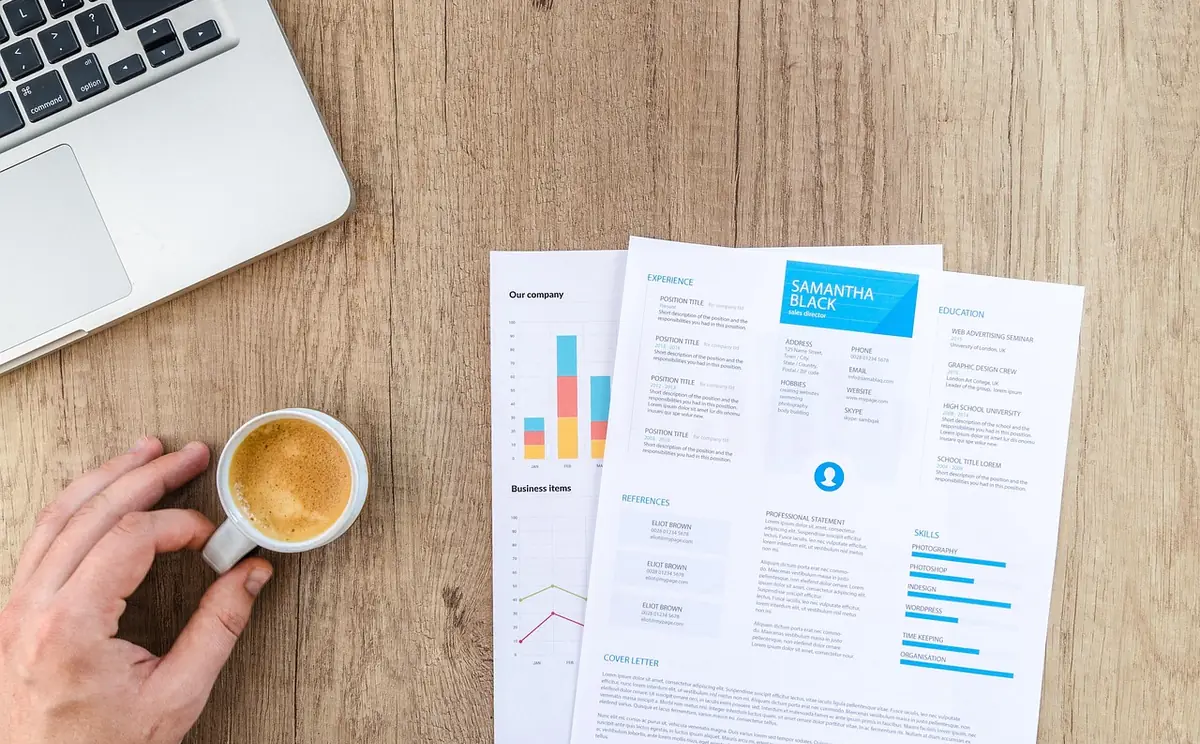
Step-by-step guide to building a professional resume using our free Resume Builder. Covers templates, sections, ATS optimization, PDF export, and resume best practices.
- Step-by-step guide to building a professional resume using our free Resume Builder.
- Why Your Resume Still Matters in 2026.
- Covers choosing the right template.
- The Essential Resume Sections.
- Covers making your resume ats-friendly.
Why Your Resume Still Matters in 2026
Despite the rise of LinkedIn profiles and portfolio websites, the resume remains the universal currency of job applications. Recruiters spend an average of 6-7 seconds on an initial resume scan. That means every word, every layout choice, and every section needs to earn its place.
Our free Resume Builder eliminates the design barrier entirely. You focus on your content; the tool handles formatting, layout, and export.
Choosing the Right Template
The template you choose should match your industry and career level. A creative designer needs a different visual approach than a financial analyst.
-webkit-backdrop-filter alongside backdrop-filter for Safari support. Without the prefix, the effect is invisible to roughly 25% of mobile users.- Modern — Clean accent sidebar, sans-serif typography. Best for tech, startups, product roles, and anyone who wants a contemporary look.
- Classic — Centered header with traditional structure. Ideal for law, finance, consulting, healthcare, and government.
- Minimal — Maximum whitespace, essential information only. Perfect for senior professionals whose experience speaks for itself.
- Executive — Bold header band with strong presence. Suited for C-suite, VP-level, and leadership roles.
The Essential Resume Sections
Contact Information
Always include your full name, professional email, phone number, and city/state. Add your LinkedIn URL and portfolio link if relevant. Skip your full street address — city and state are sufficient.
backdrop-filter inside a position: fixed element can cause severe scroll performance issues. Test thoroughly on real iOS devices.Professional Summary
A 2-3 sentence summary at the top that answers: who you are, what you bring, and what you're looking for. This is your elevator pitch. See our guide to writing resume summaries for detailed examples.
Work Experience
List positions in reverse chronological order. Each entry should include your job title, company name, dates, and 3-5 bullet points describing accomplishments (not just duties). Start each bullet with a strong action verb and quantify results whenever possible.
Education
Include degree, institution, graduation date, and GPA if it's above 3.5 and you graduated within the last 5 years. Add honors, relevant coursework, and thesis topics for entry-level candidates.
Skills
Our Resume Builder offers two display modes: pills (compact tags) or bars (visual proficiency levels). Group skills by category for readability. See our resume skills guide for what to include by industry.
Making Your Resume ATS-Friendly
Over 90% of large companies use applicant tracking systems to screen resumes before a human ever sees them. Our templates are designed to pass ATS scans, but your content matters too.
- Mirror keywords from the job description in your experience and skills sections
- Use standard section headers (Work Experience, Education, Skills) rather than creative alternatives
- Avoid tables, columns, headers/footers, and text boxes — ATS systems often can't parse them
- Save as PDF — it preserves formatting while remaining machine-readable
For a deep dive, see our complete ATS-friendly resume guide.
Optional Sections Worth Adding
Beyond the core four sections, consider adding these when they strengthen your candidacy:
- Certifications — AWS, PMP, CPA, Google Analytics, or any industry credential
- Projects — especially valuable for engineers, designers, and career changers
- Languages — with honest proficiency levels (Basic through Native)
- Volunteer Experience — shows initiative and values alignment
- Publications — for academic, research, or thought-leadership roles
The Resume Builder lets you toggle any of its 14 sections on or off and reorder them with drag controls. Enable only what's relevant to the specific role.
5 Resume Mistakes to Avoid
- Generic objectives — Replace "seeking a challenging position" with a specific, results-oriented summary
- Listing duties instead of accomplishments — "Managed social media" vs "Grew Instagram following by 340% in 6 months"
- Including everything — Tailor your resume to each application. Irrelevant experience dilutes your message
- Inconsistent formatting — This is why using a template matters. Our builder handles spacing, alignment, and typography automatically
- Typos and grammar errors — Have someone else proofread. Always.
Exporting and Managing Your Resumes
Click Download PDF to generate a print-quality document in either US Letter or A4 format. The Resume Builder also includes a history feature — save up to 30 versions so you can maintain different resumes for different roles or industries.