Browser-Based Video AI: What Works in 2026
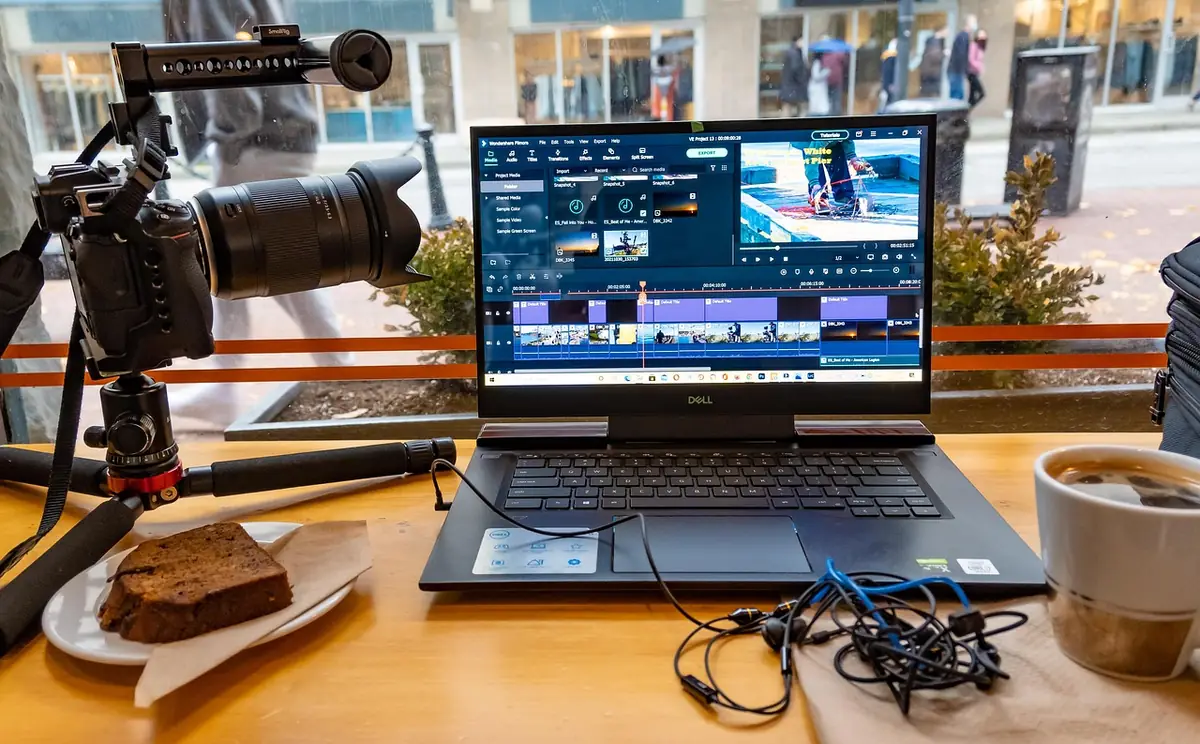
For most of the 2020s, "AI video features" meant uploading footage to a cloud service, waiting on a queue, and paying per minute processed. In 2026, three of the marquee features — background removal, auto-subtitling, and face-tracked smart crop — finally run well enough client-side that the cloud round-trip is hard to justify for most everyday work. Here's an honest look at what's good today, where the cloud still wins, and the cache-once pattern that makes it usable.
What changed in the last 18 months
Three things converged. First, WebGPU shipped in stable Chrome and Safari in 2023–2024, putting GPU-accelerated tensor ops behind a standard browser API instead of a vendor-specific extension. Second, Google's MediaPipe team rewrote their vision pipeline as Tasks Vision — same models that ship in Meet's background blur, packaged for the web with a clean API and 5MB downloads. Third, Hugging Face's Transformers.js got fast enough at int8 quantization that Whisper-base runs at 1.5–3× real-time on a mid-range laptop with no install.
For browser-tool builders this changes the budget. The old constraint was "anything beyond format conversion and trimming requires cloud." The new constraint is "anything that needs a model under ~500MB and runs at single-digit FPS or faster is on the table." That's a much bigger envelope.
What actually works well today
Background removal (MediaPipe Selfie Segmenter)
The selfie-segmenter model is 5MB, float16, and runs at 30–60 FPS on a 720p input on most modern hardware. The model was trained for video calls, so it's tuned for human subjects with reasonable lighting; it's not a general-purpose green-screen replacement. For headshots, podcast clips, talking-head footage — it's hard to tell apart from a paid service like Runway's BG remover. Edge handling around hair is the giveaway when it fails; fine flyaways get smoothed.
The UDT Video Background Remover uses this. Output is a transparent WebM (VP9 with alpha) if you want a compositing-ready file, or a flat MP4 with a chosen color or image background if you want a finished piece.
Face-tracked auto-crop (MediaPipe Face Detector)
BlazeFace short-range is smaller still (~2MB) and runs at 100+ FPS. The interesting engineering problem isn't detecting faces — it's smoothing the crop path. Run the detector raw and the crop window jitters frame-by-frame, which is more distracting than a fixed crop. The fix is a Kalman filter on the center coordinate; you trade a frame or two of latency for a path that tracks the subject smoothly. The UDT Face Auto-Crop tool ships with that smoothing on by default — landscape → 9:16 vertical for TikTok / Reels / Shorts is the common request.
Auto-subtitling (Whisper via Transformers.js)
Whisper-base in int8 weighs ~145MB and processes a 1-minute audio clip in 20–40 seconds on a recent MacBook, 60–90 seconds on a mid-range Windows laptop, 2–3 minutes on a phone. That's not real-time, but it's bearable for the typical 1–5 minute social clip. Word error rate on clean English speech sits around 6%, which is in the same ballpark as paid services. Multi-speaker diarization is the obvious miss — Whisper transcribes what's said but doesn't label who said it.
The UDT Auto-Subtitle tool chains Whisper for transcription with FFmpeg.wasm's subtitles= filter for burn-in. The cross-suite play is interesting: the same Whisper pipeline lives in the standalone Audio Transcription tool, so if you want the SRT file rather than a burned-in video, you use that one instead — same model, cached the same place.
The cache-once-then-instant pattern
This is the part that turns "30 seconds of Whisper model loading" from a deal-breaker into a non-event. Modern browsers cache HTTP responses aggressively when servers set the right headers, and they cache WebAssembly binaries even more aggressively because they're hashed and immutable.
Practical consequence: the FFmpeg.wasm engine (~32MB) downloads exactly once across all 18 tools in the Video Suite and all 7 in the Audio Suite, the MediaPipe vision models download once for any tool using them, and Whisper-base downloads once for any tool transcribing audio. The first tool a user opens has a model-load delay; every subsequent operation on every related tool in the same session, and in every future session, starts instantly.
This is the architectural reason for shipping these as suites instead of independent one-off tools. A user landing on Audio Extractor from a search result pays the 32MB FFmpeg.wasm download once, then can run compression, trimming, and conversion on the result with zero further load time. Cloud services can't match that — every API call goes back over the wire.
Where cloud still wins
How we compare to the paid alternatives
Runway / Descript / Veed for background removal
Paid services typically run a heavier model (something like robust matting trained on diverse video) and apply temporal smoothing on the server. Output is noticeably cleaner around hair and motion blur. Cost runs $12–$95/month depending on tier. For a one-off podcast clip or social piece, the in-browser version is more than good enough; for client work where the BG remove will be color-graded and composited, paid services still earn the spend.
Descript / Otter for transcription
Descript and Otter use larger Whisper variants (medium or large) plus diarization plus custom punctuation/casing models. Output reads more like edited copy than raw Whisper-base does. For show-notes that will be hand-edited anyway, in-browser is fine; for finished publishable transcripts, paid is faster end-to-end.
Cloud auto-crop
Most paid auto-crop tools (Veed, Submagic, etc.) use the same MediaPipe-class detection plus Kalman smoothing that the in-browser version does. The differentiator is usually a "follow speaker" multi-face heuristic that switches the crop target between people based on who's currently talking. Whisper's per-segment timing makes that possible to add later; it's on the roadmap.
Picking what to use when
Three quick heuristics for which side of the cloud/browser line a given task lives on:
If you can describe the operation as "transform pixels deterministically given a mask or a frame-by-frame analysis," it's a browser task. Compression, conversion, color grading, stabilization, segmentation-based effects, face-tracked crops. The model is at most an analysis pass; the transform itself is mechanical.
If the operation requires generating new pixels not present in the source, it's still a cloud task. Inpainting, outpainting, motion brush, style transfer, voice synthesis. The models that do this well are 1GB+ and the inference is GPU-heavy enough that paying per second is the right tradeoff.
If the operation is a long-running batch on enormous files, it's a desktop task. Multi-hour 4K timeline export, full-resolution archival transcode. Browser FFmpeg.wasm hits memory ceilings around 2GB inputs; desktop FFmpeg has none of those limits.
The roadmap from here
Three things are likely to cross from cloud-only to browser-feasible in the next 12–24 months. WebGPU compute support is maturing fast enough that ONNX Runtime Web should hit usable speeds for medium-class diffusion models — making basic inpainting browser-feasible. Whisper-medium quantized to int4 should drop to ~250MB and run within 2× of Whisper-base speed — closing most of the transcription quality gap. And ONNX Runtime Web's WebGPU backend keeps improving on transformer inference generally, which opens up multi-modal models (vision-language) that could power "describe this video for me" features.
For everything in the meantime: the UDT Video Suite ships the 18 tools that work well client-side today. The Audio Suite ships 7 audio tools using the same FFmpeg.wasm engine. They're free, no upload, no watermark, no signup — same posture as every other UDT tool.
Written by Derek Giordano for Ultimate Design Tools. Updated May 14, 2026.
Related Reading on UDT
- → Complete Guide to Free In-Browser Video Tools (2026) — the Batch 1 deep dive on FFmpeg.wasm
- → UDT Video Suite — 18 free in-browser video tools
- → UDT Audio Suite — 7 free in-browser audio tools
- → Audio Transcription — standalone Whisper for SRT/VTT/TXT export